Build
Add a mini-game
How interactivity works
Everything reactive in an experience runs off triggers — moments like the marker being found, a tap on an object, or each animation frame. You connect those triggers to actions (play an animation, show or hide an object, spawn something, keep score) either through the panels or with a short script. A “mini-game” is just a few of these wired together.
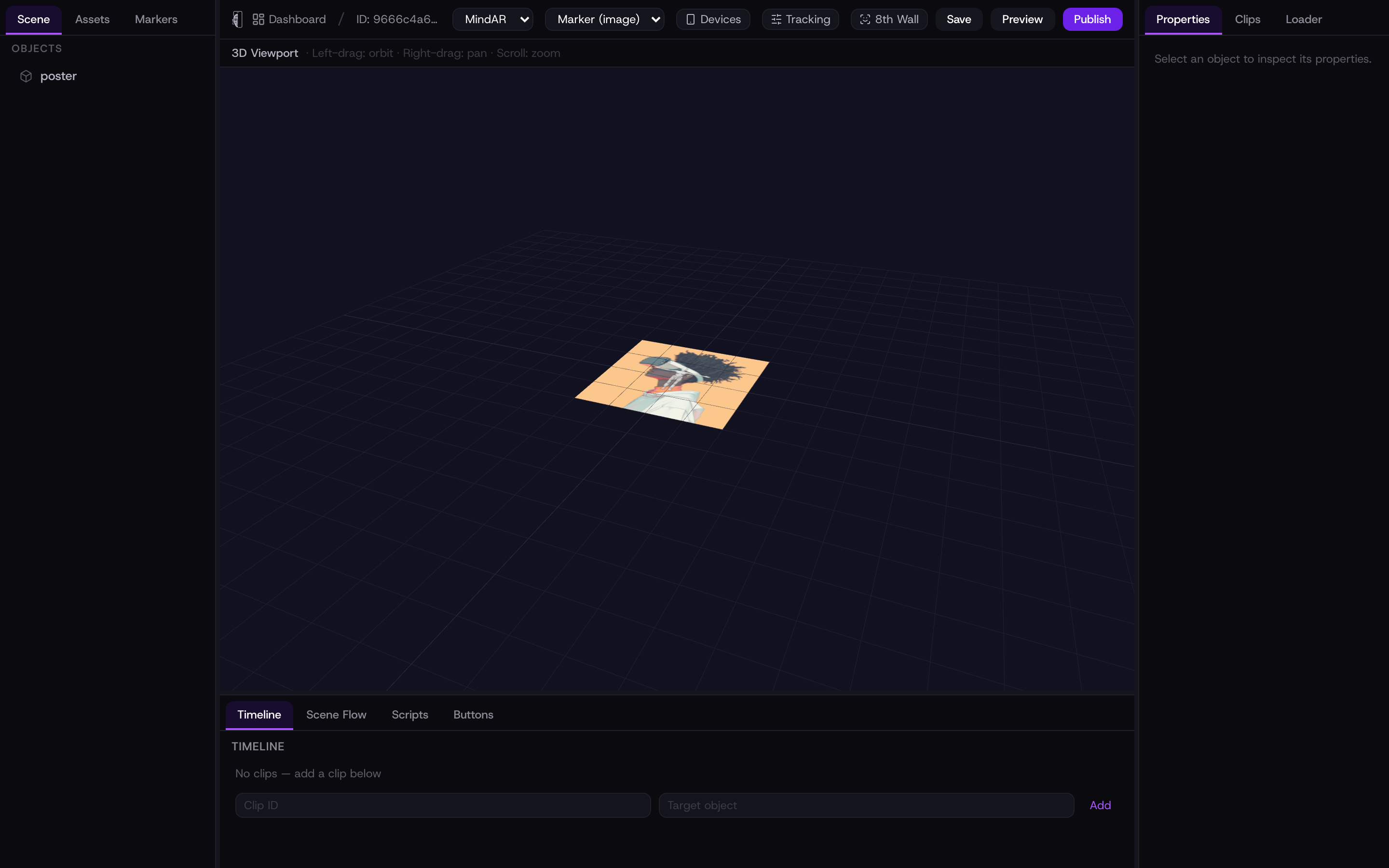
Start from the Game template
The quickest start is the Game Scene template. It comes with a physics world — gravity and a floor — and a tap action already wired to spawn an object, so you have something interactive from the first preview. Swap in your own model and tune the behaviour from there.
Physics (falling, bouncing, collisions) is powered by the built-in engine the Game template turns on. Start from that template rather than adding physics to a blank scene.
Wire it up without code
For simple interactions you never have to write code:
- Animation triggers
- In an object’s Properties → Animation, set a Trigger Mode of On Tap or On Marker Found, name the clip, and it plays when that happens.
- Buttons
- The Buttons panel lets you add on-screen buttons that fire actions.
- Scene flow
- The Scene flow panel moves the viewer between scenes — useful for steps, levels, or a win screen.
Script it
For real game logic, open the Scripts tab in the bottom panel and click + Add Script. Name it, pick a trigger — On Load, Marker Found, Marker Lost, On Tap, On Frame, or Manual — and optionally attach it to an object. You write JavaScript in the built-in editor against the kioo API:
- kioo.object(id)
- Move, show/hide, or animate an object — .animate(props, opts), .show(), .hide(), .onTap(cb).
- kioo.on(event, cb) / kioo.emit
- React to load, markerFound, markerLost, tap, frame, or your own custom events, and trigger them.
- kioo.after / kioo.every
- Run something once after a delay, or on a repeating timer (cleaned up for you).
- kioo.vibrate / kioo.analytics
- Buzz the phone for feedback, or count a custom event so it shows in your analytics.
The full list of triggers and calls is in the collapsible API Reference inside the Scripts panel. Scripts run in a restricted sandbox — no network or page access — so an experience stays safe to open from a link.