Get started
Quickstart
Build your first web-AR experience end to end — upload a marker, drop in a model, and publish a link people scan with their phone. No app, no code.
From idea to a scannable link
The whole flow is five steps. Each links to a full guide if you want the detail:
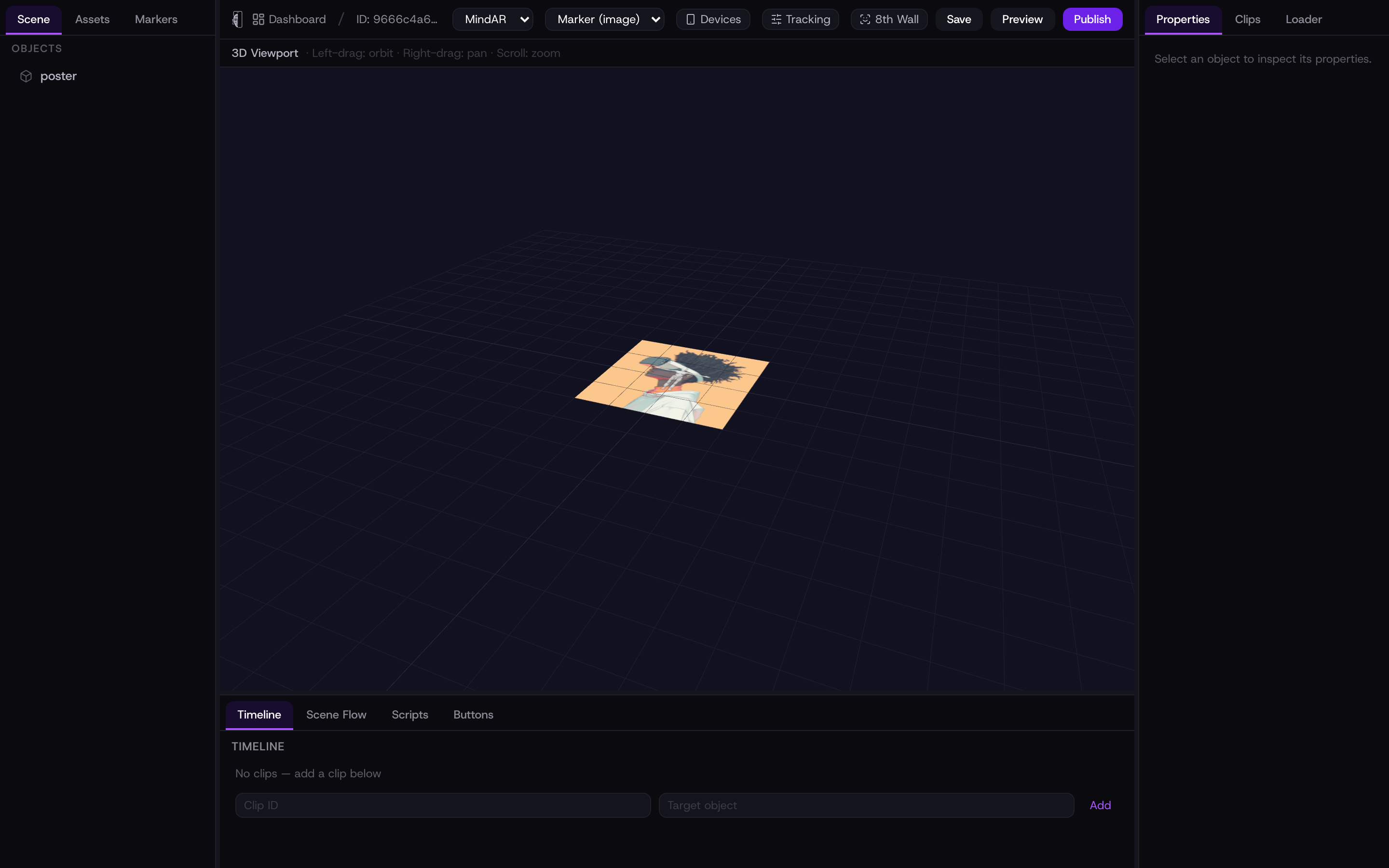
- 1Create an experience from your dashboard, then open it in the studio.
- 2In the Markers tab, upload a flat, high-contrast image as your marker. Kioo compiles it and scores its trackability.
- 3In the Assets tab, upload a 3D model or video, then place it in the scene and position it over the marker.
- 4Optionally add interactivity with triggers or a script, and tune tracking if the model jitters.
- 5Publish to get a stable link and a QR code. Print the code or share the link — a phone points and plays.
Not using a printed marker? Switch the AR mode to Face or Surface in the studio and skip the marker step — publishing and sharing work exactly the same.
Preview as you go
Use Preview in the toolbar at any point to open the live experience in a new tab and test it on your own device before publishing. Save keeps your progress; Publish makes it public. You can re-publish as many times as you like — the link never changes, so anything already shared keeps working.