Build
Add video
Upload the video
In the Assets tab, click + Upload and choose your file. Kioo accepts MP4, MOV, and WebM. MP4 (H.264) plays back most reliably across phones. Videos upload from your computer — there is no add-by-URL for video.
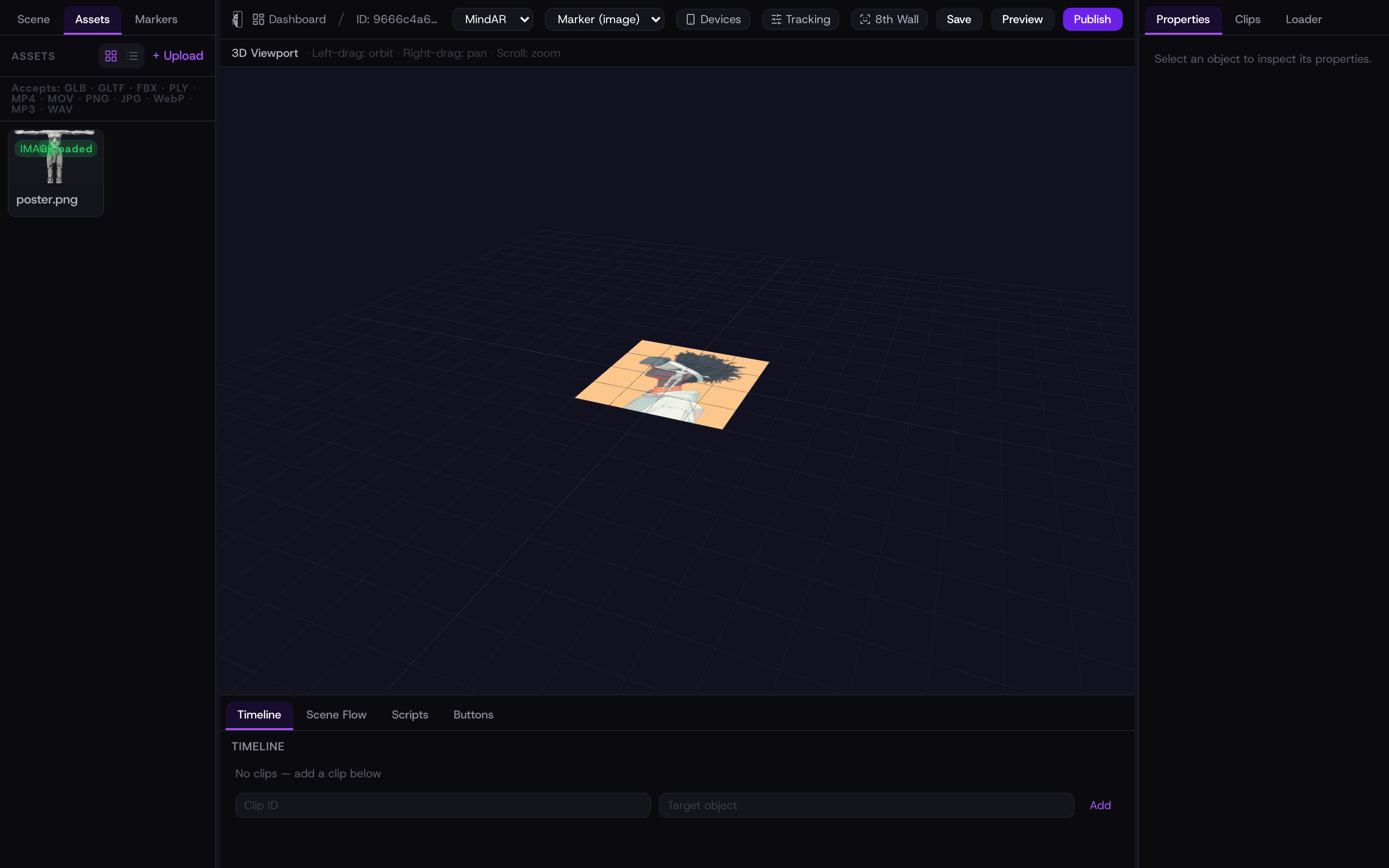
Keep clips short and compressed. A phone streams the file over the network before it plays, so a lean MP4 starts faster and stutters less.
Place it in the scene
Hover the uploaded video in the asset list and click + Add. It appears in the scene as a flat surface you can select and then position, rotate, and scale from the Properties panel — exactly like a 3D model.
Playback
On a phone, videos play muted and start automatically once the marker is found — that is what mobile browsers allow without a tap. A video can be set to loop. For finer control you can drive playback from a script: the kioo.video(id) API exposes play(), pause(), and toggle(), so you can start a clip on tap or when a scene begins (see Add a mini-game).
Sound plays only after the viewer interacts with the page, because phones block audio on autoplay. Design for the muted-first moment — captions or on-screen text carry the message until they tap.