Publish
Publish to a link
Save vs publish
The toolbar has three actions. Save stores your work in progress. Preview opens the live experience in a new tab so you can test it yourself. Publish makes it public at its link. Publishing saves first, so you never have to remember to save before you publish.
The pre-flight checklist
Clicking Publish opens a dialog with a short checklist that has to pass first:
- 1Markers are ready — in Marker mode, every marker image must have finished compiling. Face and surface modes need no marker.
- 2Assets are uploaded — nothing can still be uploading or failed.
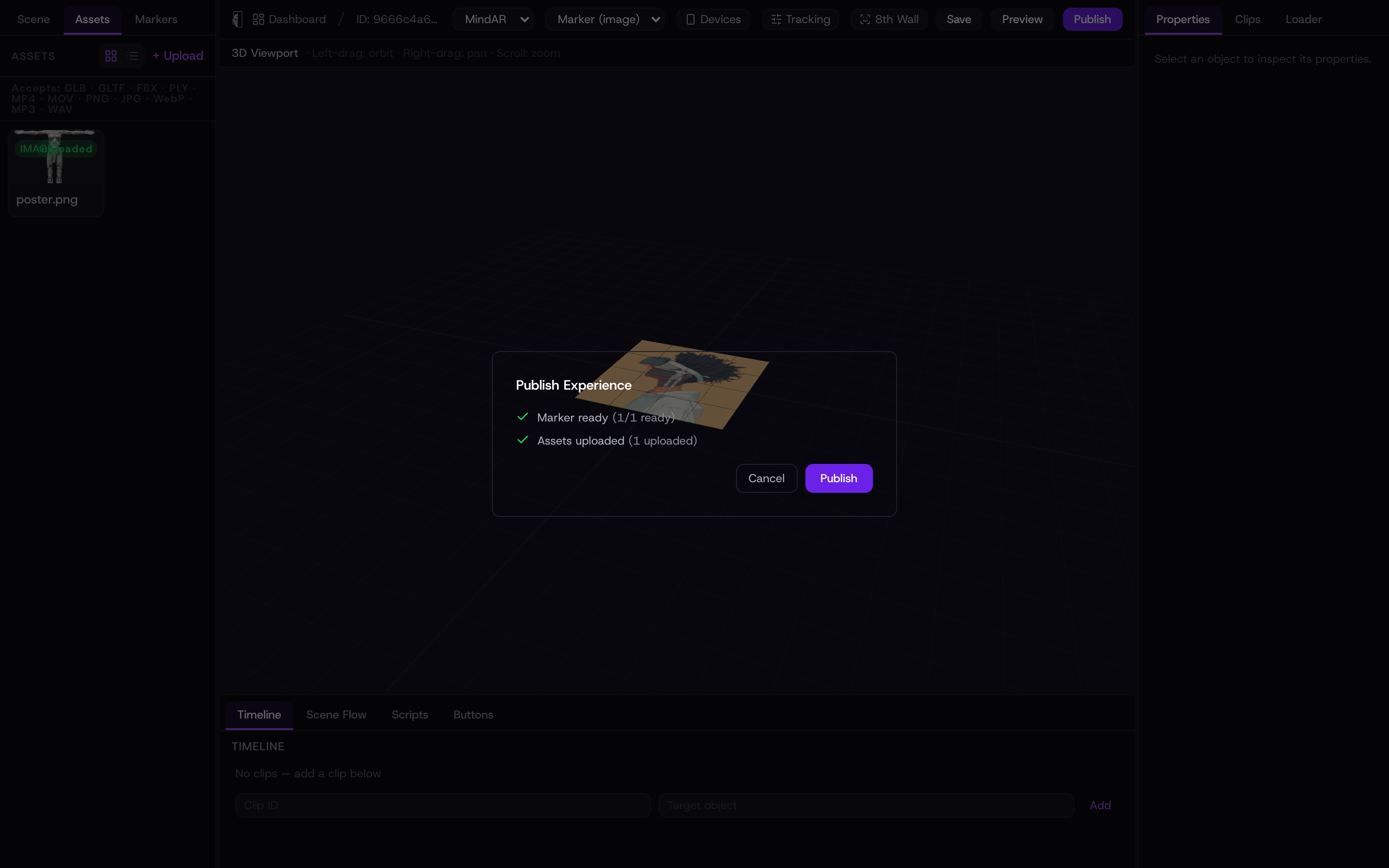
The Publish button stays disabled until the checklist is green, so you cannot ship an experience with a marker that is still compiling or an upload that failed.
Publish
Once the checklist passes, press Publish. Kioo marks the experience live and the dialog shows “Published successfully!” with your QR code and the clickable link. Copy the link to share it directly, or use the QR for print and screens — see QR codes for how to use it.
Your link is stable
Each experience keeps the same link for its lifetime. Re-publishing after an edit updates what viewers see at that same URL — it never changes the address. That is why a printed QR code keeps working after you tweak the experience.
Because the link is permanent, you can print the QR before the content is final. Keep editing and re-publishing; the next person who scans always gets the latest version.